Sinergify - A Salesforce Jira Connector
by Grazitti Interactive™ Paid ★ 5.0 (26 reviews)
Sinergify: A connector for Salesforce and Jira integration helps organizations bring various customer-facing and backend teams to a common platform paving the way for greater cross-functional collaboration.
View on AppExchange →Highlights
- Sinergify is a Salesforce-native connector that enables bi-directional sync between Salesforce and Jira and allows silo-free interactions amongst Support and Engineering teams.
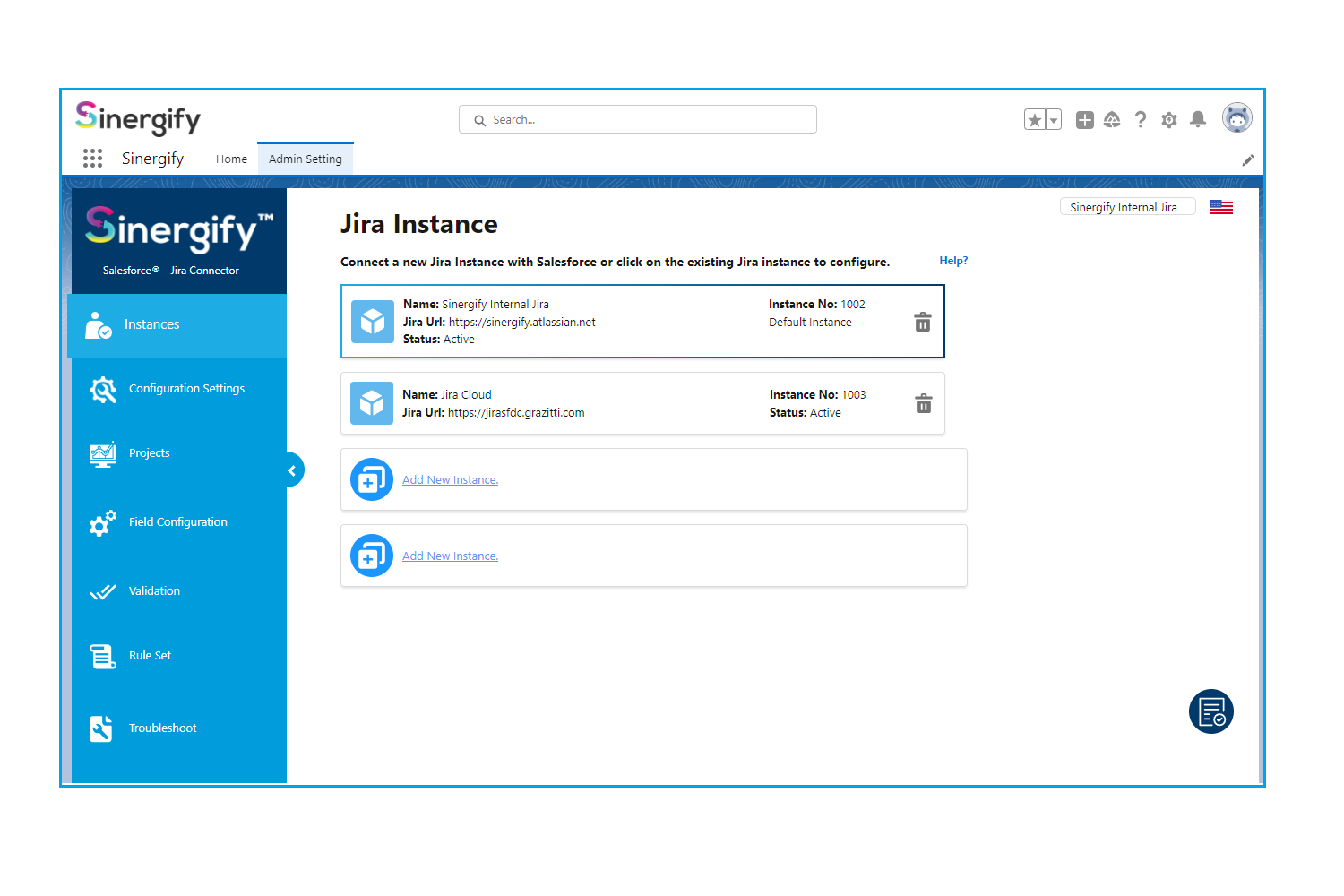
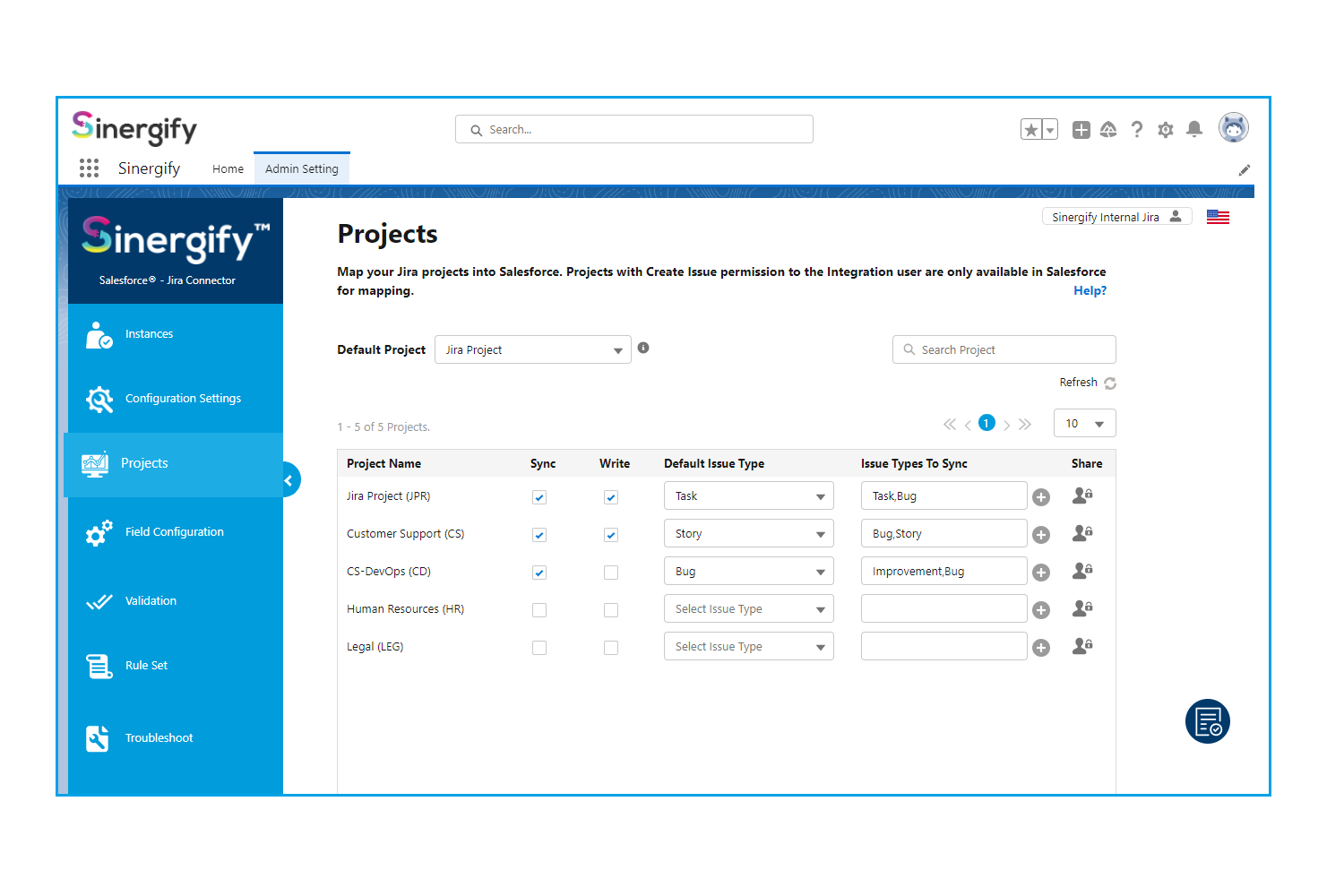
- The product allows integration of all standard and custom Salesforce objects of all SFDC products (Service, Experience, Sales Cloud, etc.) with both cloud and on-premises versions of Jira products (Core, Ops, Software, and Service Desk).
- Team-wise benefits of Sinergify:
Support: Improve SLA compliance with faster case escalation Product: Customer-centric product road mapping using customer feedback Engineering: Aligned goals with the product team with a closed feedback loop
What Sinergify - A Salesforce Jira Connector does
Sinergify Use Cases:
● JIRA ISSUE MANAGEMENT
Users would be able to easily create, link/unlink, update and track Jira issues directly from Salesforce
● BI-DIRECTIONAL SYNC, CONTROLLED SYNCING OF DATA, COMMENTS, AND ATTACHMENTS
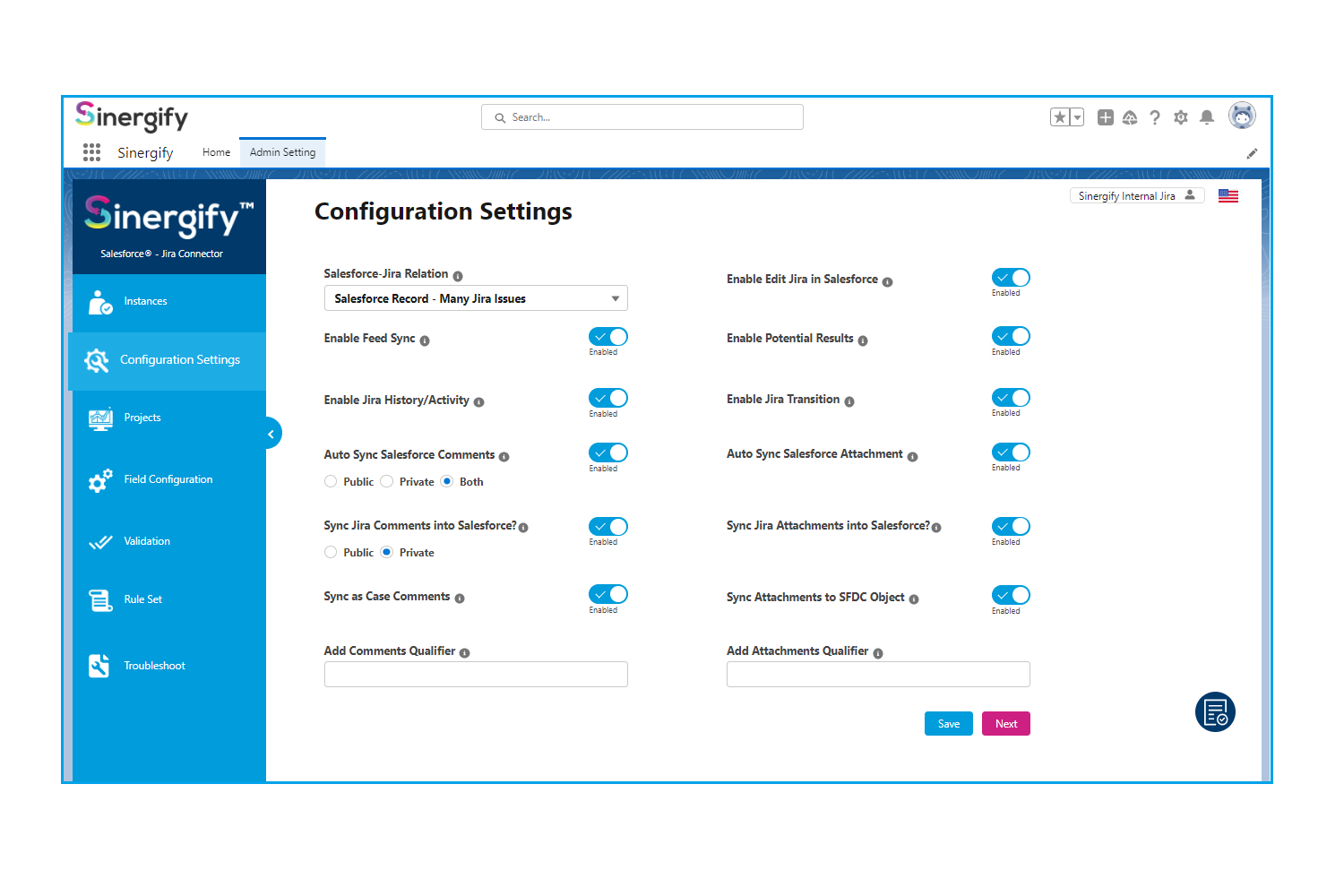
The integration allows the bi-directional syncing of data including comments and attachments. Admins have to decide what comments, attachments should be visible and to whom
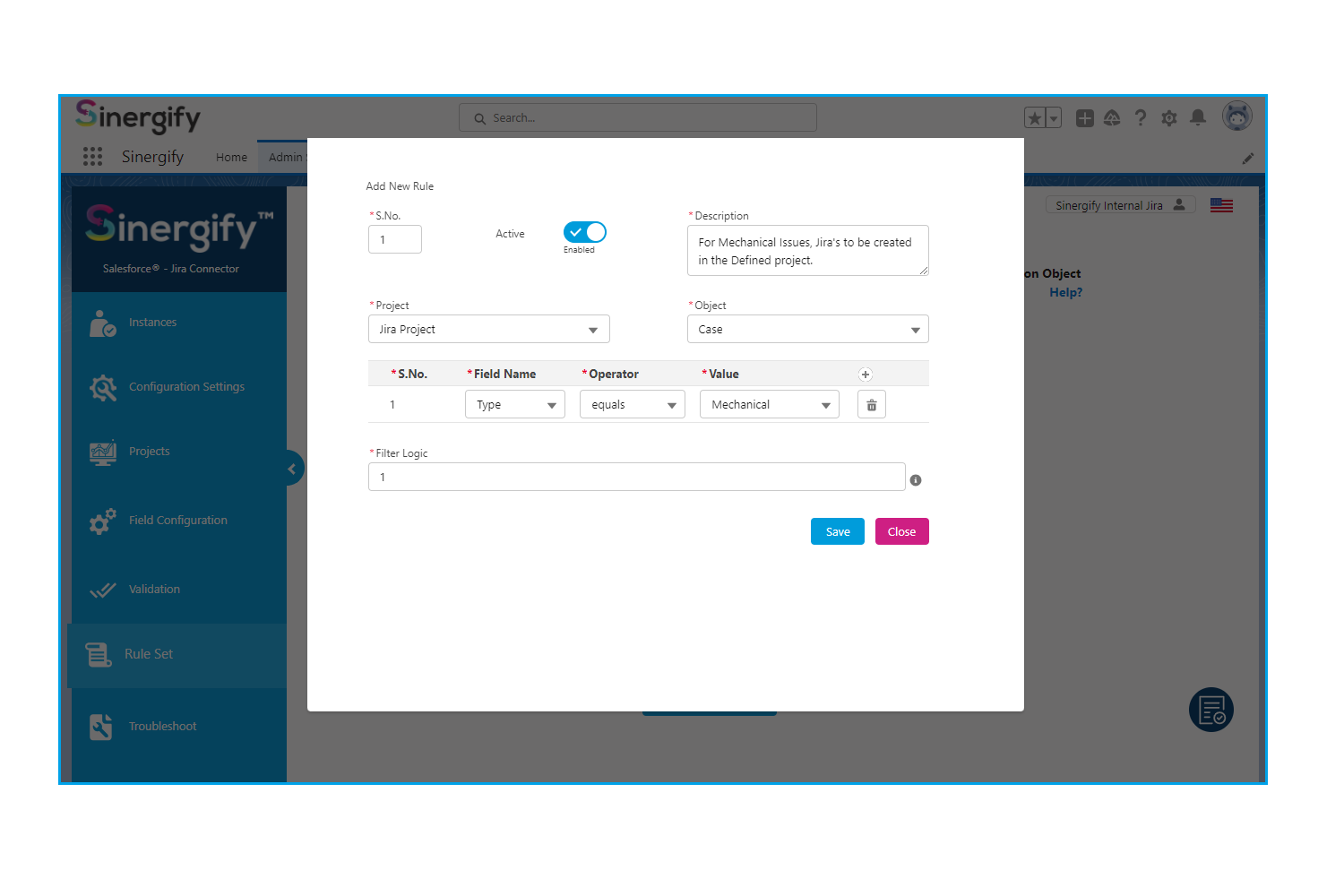
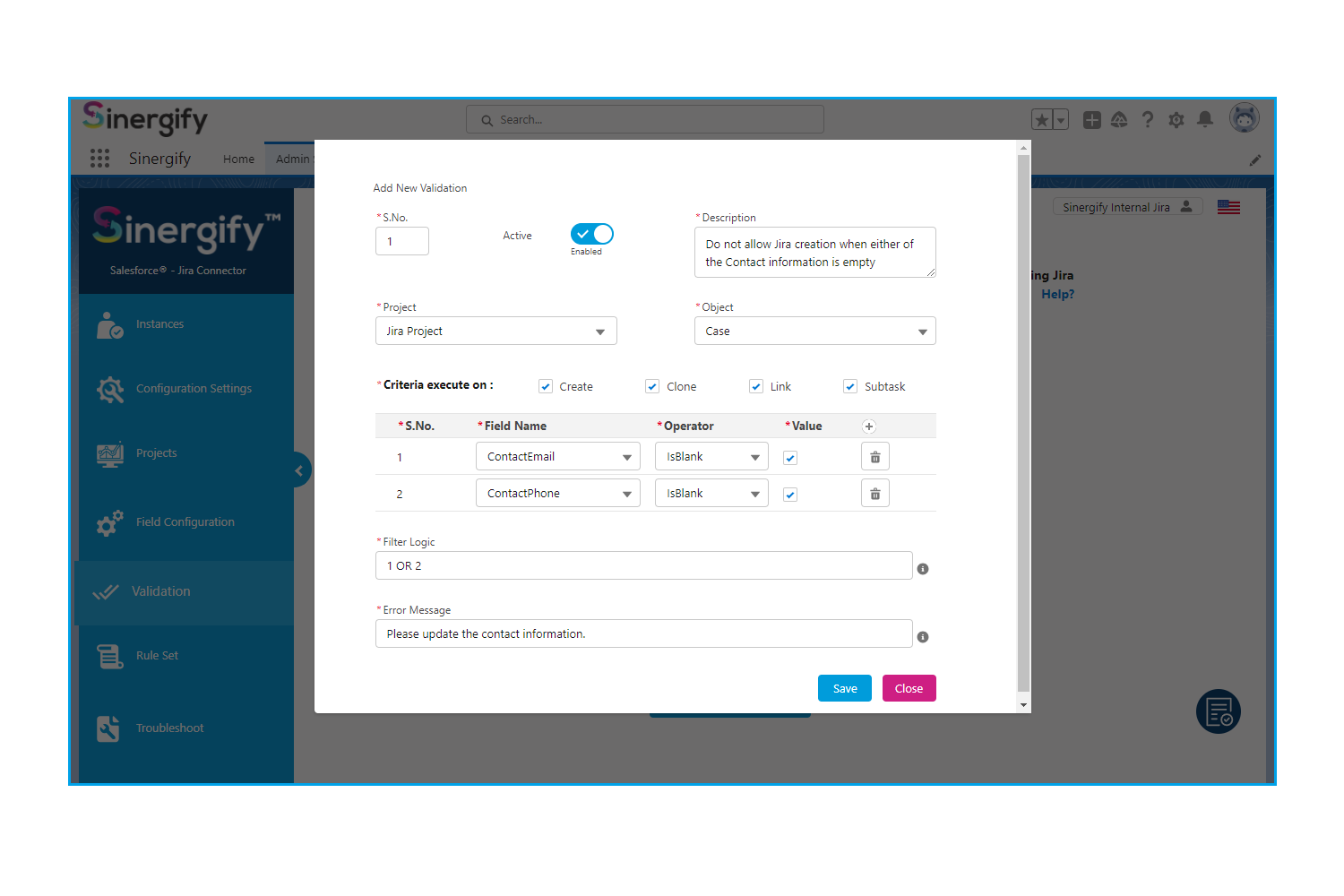
● AUTO JIRA CREATION
Use our inbuilt methods in your Process Builders, Triggers, Apex to create a Jira issue automatically
● ADVANCED SEARCH
Leverage an improved search capability that allows searching based on multiple facets including Jira components, filters, case numbers, etc.
● JIRA STATUS/TRANSITION HANDLING
Users can change the status of Jira issues right from Salesforce. Also, Jira transitions, which include screens asking for additional information to change the Jira status, can be handled in Salesforce
● FEED ITEM CONTROL
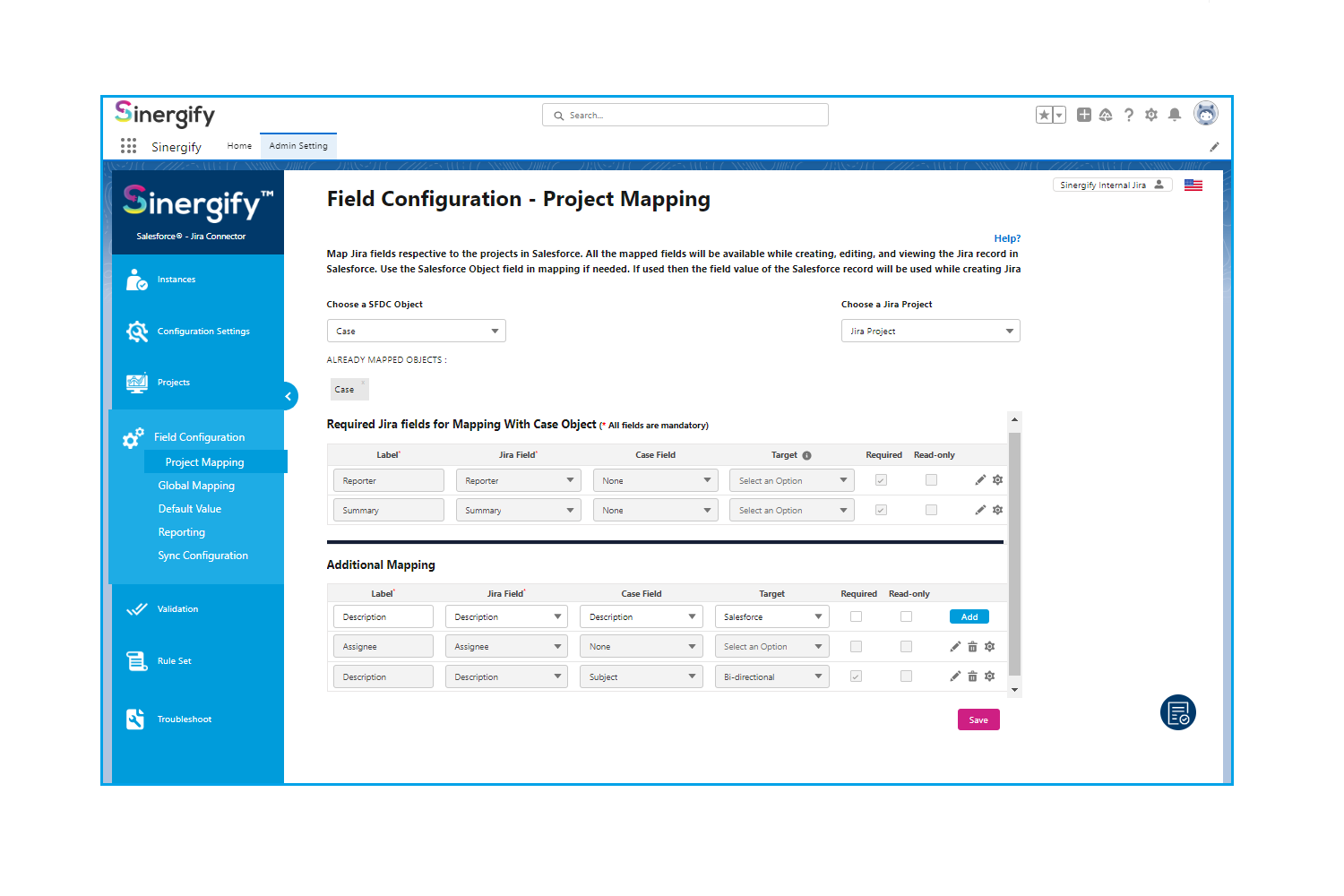
Use #linktojira to link a case or any other object (based on field mapping) to a Jira issue.
Also, sync your feeds as a comment on Jira or use them to sync files using #sendtojira.
For more details, visit www.sinergify.com
Screenshots
Source: the public AppExchange listing for Sinergify - A Salesforce Jira Connector, retrieved Oct 16, 2026. AppX Radar is not affiliated with Salesforce or Grazitti Interactive™. Check the listing for current pricing and requirements.
Similar apps in Collaboration

Send, sign, track and save agreements in Salesforce with the most downloaded electronic signature app on the AppExchange. Get started with a...
Send SMS, MMS, RCS & WhatsApp from Salesforce — automate text messaging with Flow & Agentforce, send bulk SMS & drip campaigns, and manage t...
Drive positive outcomes across your client, candidate or patient lifecycle by leveraging AI to start conversations, guide decisions and fulf...

Deliver exceptional agent and customer experiences with a fully integrated Salesforce and contact center solution that seamlessly unifies vo...
Talkdesk for Salesforce offers robust contact center functionality, personalized engagement on any channel, and the industry’s deepest integ...
Use the most popular data loader for Salesforce to quickly and securely import, export and delete unlimited amounts of data for your enterpr...