Auto Number Helper | Conditional Auto-Numbering in Salesforce
by Satrang Technologies Paid ★ 4.7 (13 reviews)
Auto Number Helper assigns separate AutoNumber sequences per Record Type or Picklist value - a feature missing in standard Salesforce. Supports multiple prefixes and one-click bulk updates. 4.69 ★ rated. Free trial available.
View on AppExchange →Highlights
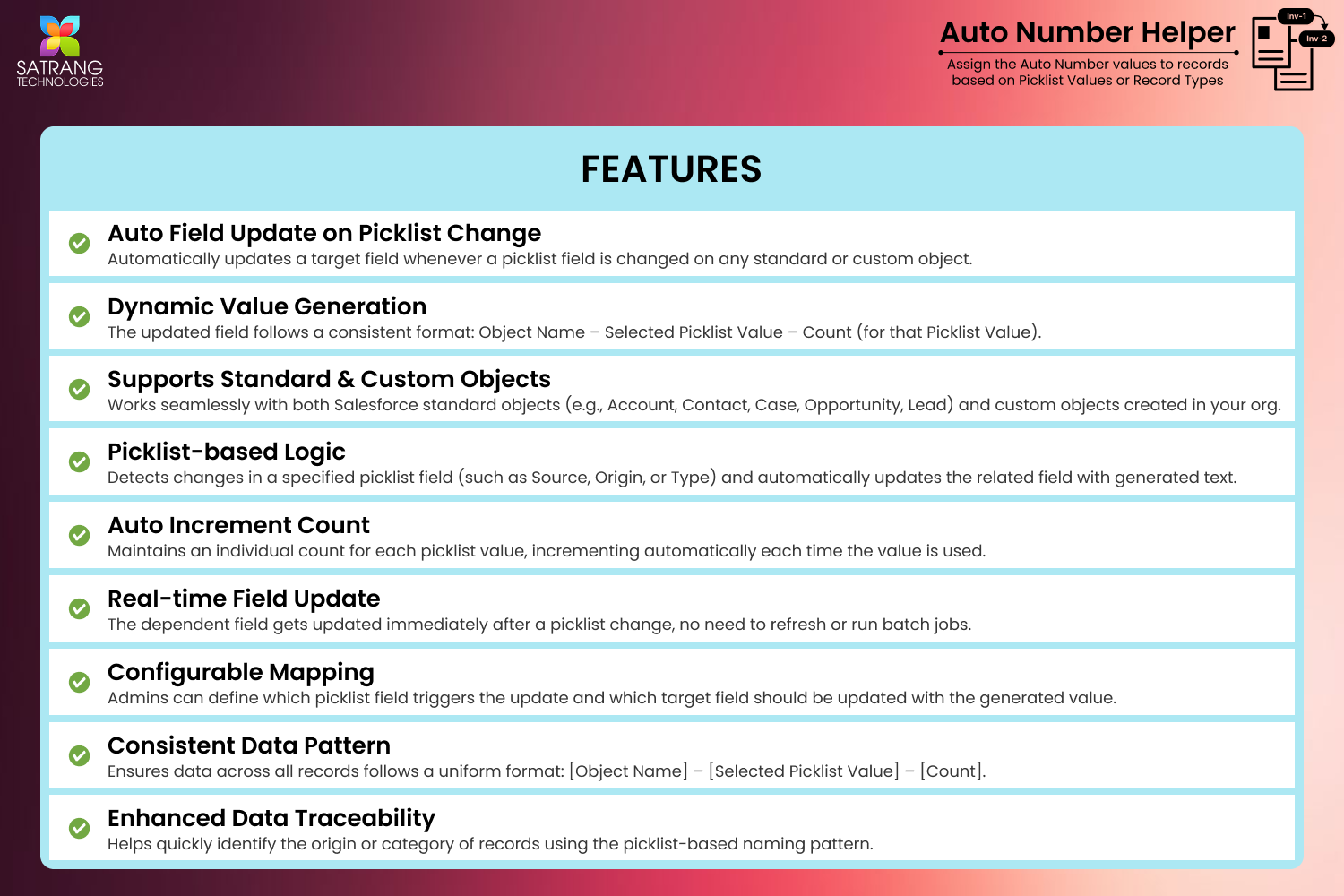
- Conditional AutoNumber Sequences by Picklist Value & Record Type - Beyond Standard Salesforce
✔ Separate sequences for Clients vs Candidates or any record type ✔ Works on standard & custom Salesforce objects ✔ Admin-configurable, no code needed - Multiple Prefixes for the Same Picklist Value - Full Auto-Numbering Flexibility
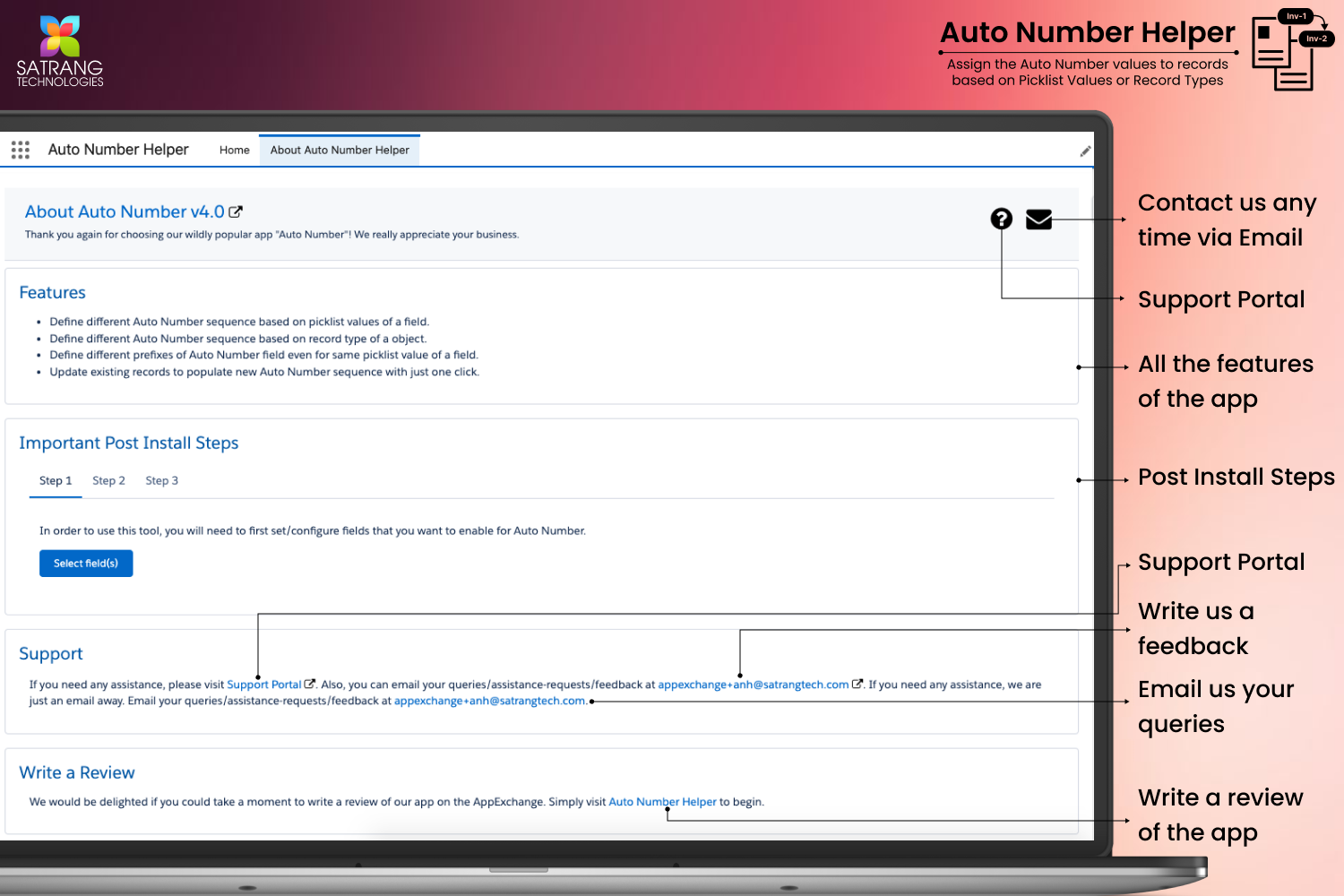
✔ Different prefixes for same picklist value ✔ Create C-, Can-, INV- style sequences per condition ✔ No-code admin setup ✔ Supports dynamic prefix logic - One-Click Bulk Update for Existing Salesforce Records - Populate New AutoNumber Sequences Instantly
✔ Update existing records in one click ✔ No manual edits required ✔ Batch Apex ensures safe large data handling ✔ Ideal for migrations & schema changes - Standard Users Can Use Auto Number Helper - No Admin Rights Required
✔ Enable non-admin users to generate auto numbers ✔ Secure controlled access model ✔ Reduces admin dependency ✔ Improves operational efficiency - Map One Picklist to Multiple Destination Fields
✔ One picklist drives multiple fields ✔ Supports multiple auto-number outputs ✔ Reduces configuration duplication ✔ Improves workflow flexibility - Bulk Processing with Reduced Errors and Manual Effort
✔ Automate large-scale numbering ✔ Minimizes manual entry errors ✔ Ensures consistent formatting ✔ Saves operational time - Built for Compliance, Audit Trails, and Record Traceability
✔ Structured sequential IDs for audits ✔ Improves traceability across records ✔ Supports compliance requirements ✔ Enhances governance reporting - Supports Standard & Custom Objects Across Salesforce Clouds
✔ Works with standard & custom objects ✔ Compatible with Sales & Service Cloud ✔ Seamless Salesforce integration ✔ Flexible across multiple use cases - Resources & Demo
✔ Product Website: https://satrangtech.com/salesforce-auto-number-helper/ ✔ Watch the Demo: https://youtu.be/Svu5ihO8Pfg ✔ Book a demo: https://calendly.com/purvisharma/30min ✔ Purchase licenses instantly: https://bit.ly/3yrqkcT
What Auto Number Helper | Conditional Auto-Numbering in Salesforce does
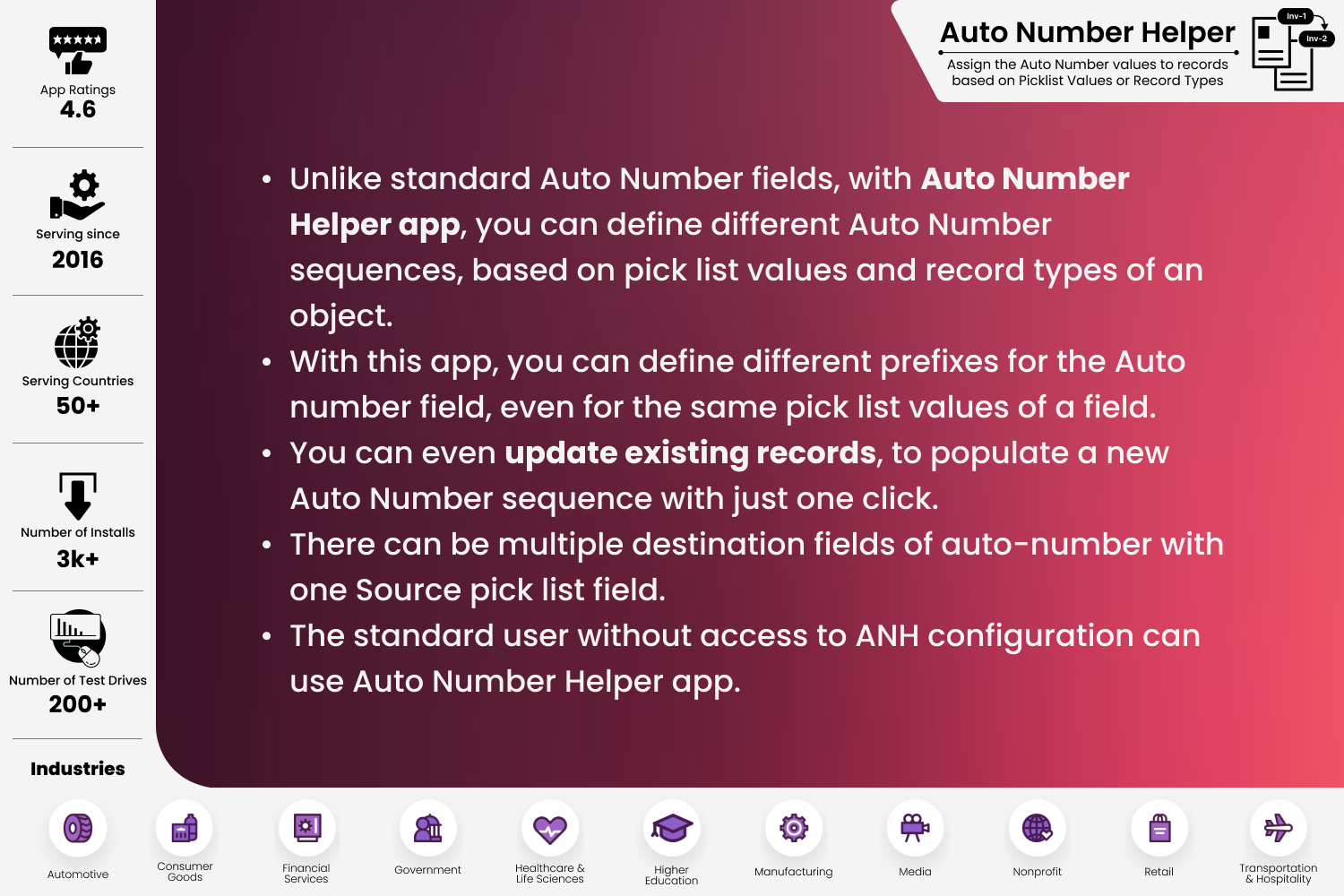
This app assigns AutoNumber values to records based on Picklist Values or Record Types.
For example, consider the Contact object with two record types: Clients and Candidates. In standard Salesforce, separate auto-number sequences cannot be maintained for different record types. As a result, numbering follows a single continuous sequence (e.g., C-009), regardless of the record type.
With this app, you can create independent auto-number sequences with unique prefixes and counters for each record type. For example, Client records can be generated as C-1, C-2, C-3, C-4, while Candidate records can be Can-1, Can-2, Can-3, Can-4. The prefix (such as C or Can) is fully configurable and can be customized as per your business needs.
Key Capabilities:
✔ Standard Users Supported (No Admin Required)
Users without Admin permissions can seamlessly use the Auto Number Helper functionality.
✔ Multiple Destination Fields Support
Generate and map auto-number values to multiple destination fields from a single source picklist field.
To explore full functionality and use cases, visit the product website:
https://satrangtech.com/salesforce-auto-number-helper/
Screenshots
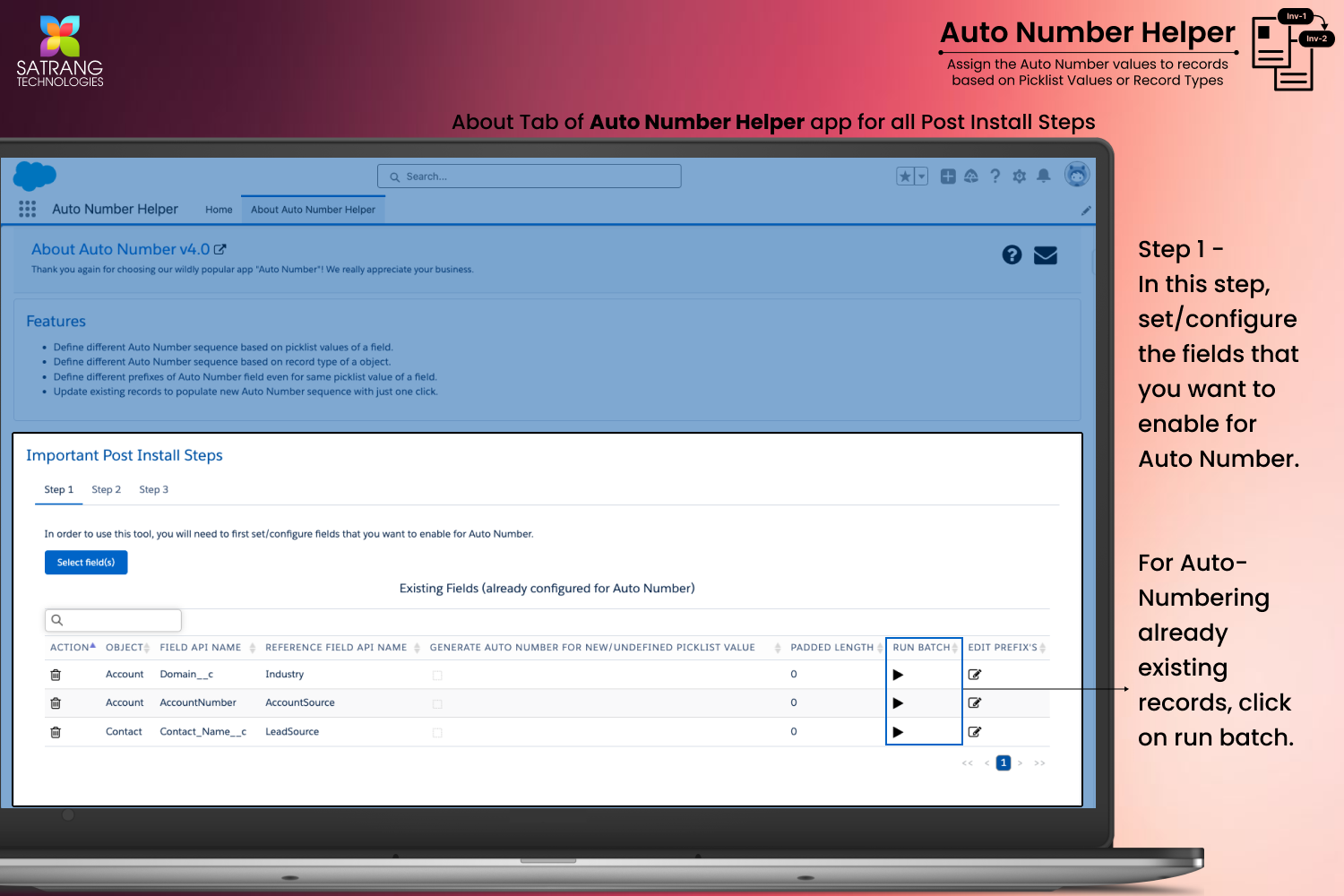
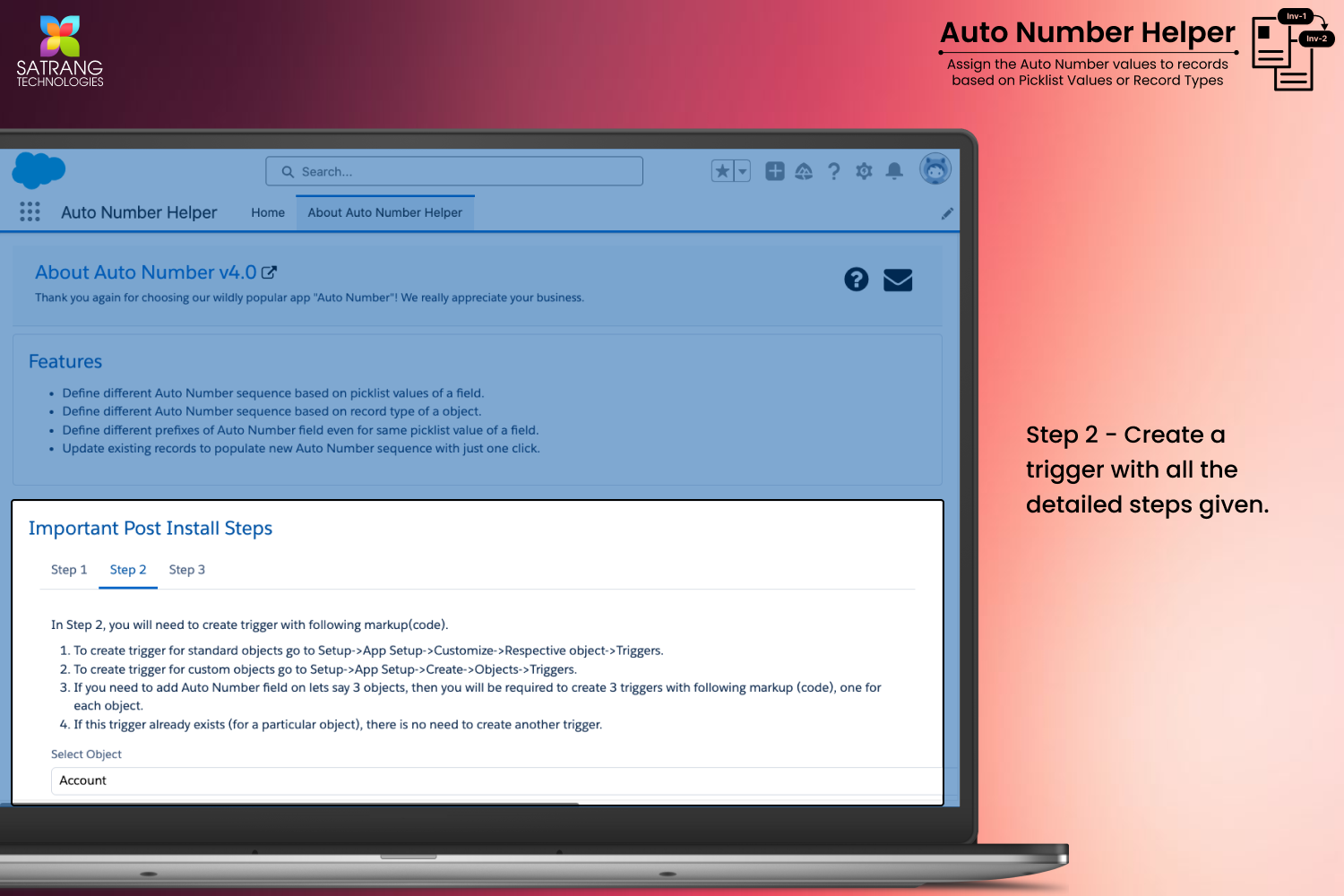
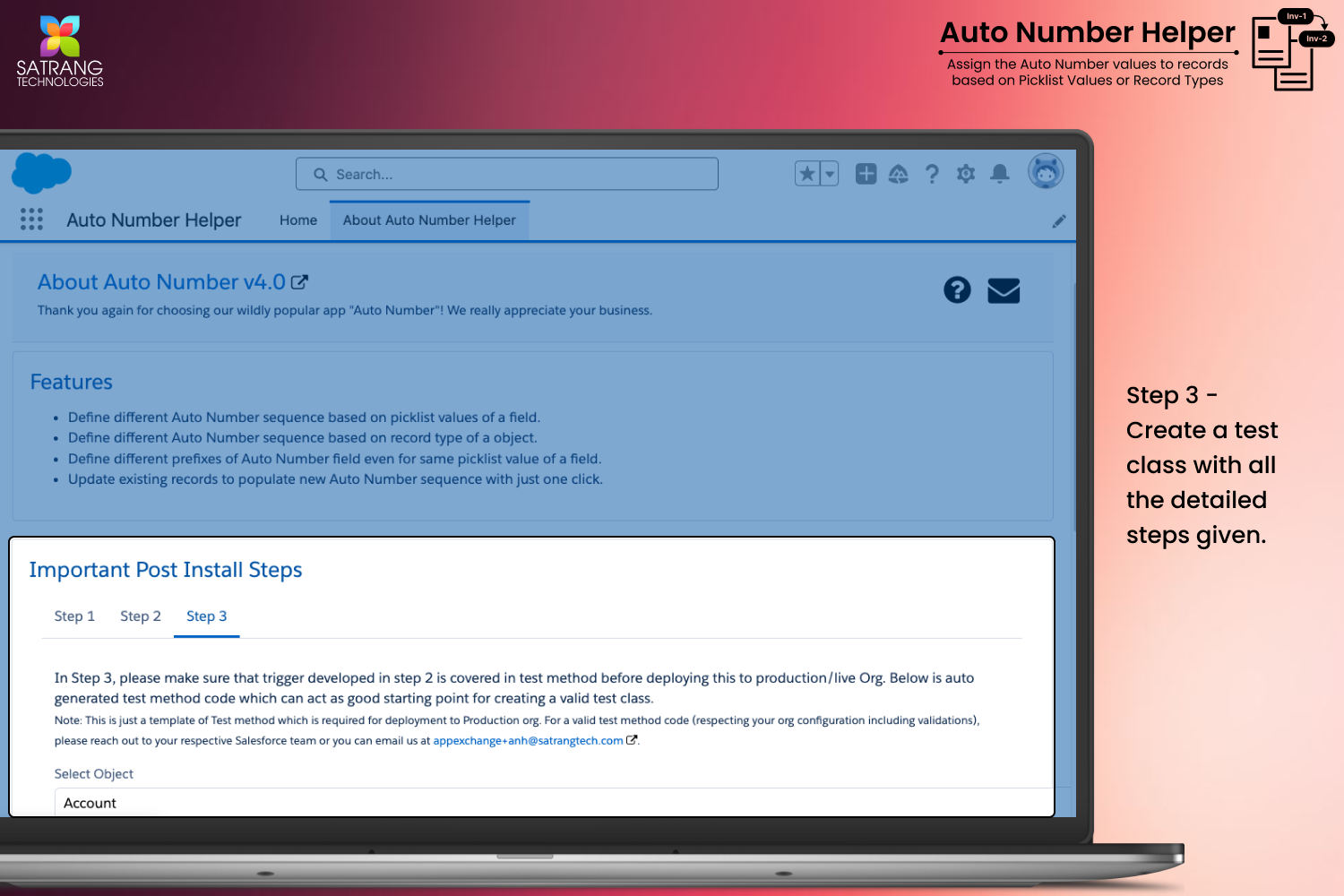
Source: the public AppExchange listing for Auto Number Helper | Conditional Auto-Numbering in Salesforce, retrieved Oct 16, 2026. AppX Radar is not affiliated with Salesforce or Satrang Technologies. Check the listing for current pricing and requirements.
More from Satrang Technologies

Bulk download Salesforce files & attachments in original format in one click Export files from standard & custom records' list views, search...

🔍 Quick search Classes, Triggers, Objects, Fields, LWCs, Approvals, Layouts, Flows, Workflows, Validations, Reports, Dashboards, Apps, Roles...
Lightning Lookup for Salesforce • Advanced lookup search for faster record selection in Lightning Experience • Search, filter & relate recor...

Bulk upload Salesforce files & attachments to multiple records simultaneously. Upload via List View, CSV mapping, or SOQL Supports standard ...
Similar apps in Admin & Developer Tools
Great user adoption doesn’t just happen! The Salesforce Adoption Dashboards provide visibility to relevant user login history & trending, ad...

Salesforce deduplication and data quality made easy. Find, merge, and prevent duplicates in Salesforce with admin-friendly, no-code tools. M...

Rollup Helper overcomes roll-up limitations, so you can turn Salesforce data into actionable info: Configure count, average, percent, lookup...

DemandTools is the enterprise-grade data quality engine tens of thousands of Salesforce admins trust. Deduplicate across any object, standar...

The all-in-one NATIVE solution for deduplication: find & merge duplicates in and across leads, contacts, accounts and any (custom) object. P...

LeanData is the leading AI GTM Orchestration platform, sitting at the intersection of AI agents, human sellers, and the systems they share—m...